
Add ON Auth to your service
Use ON Account for sign-in and identify returning users by their service-specific account ID.
Register your service
Open the Developer Console. Sign in and choose Register a service. Add your name, avatar, contact email and the exact HTTPS callback URL implemented by your server. The optional description appears during consent. Your contact email is visible to administrators.
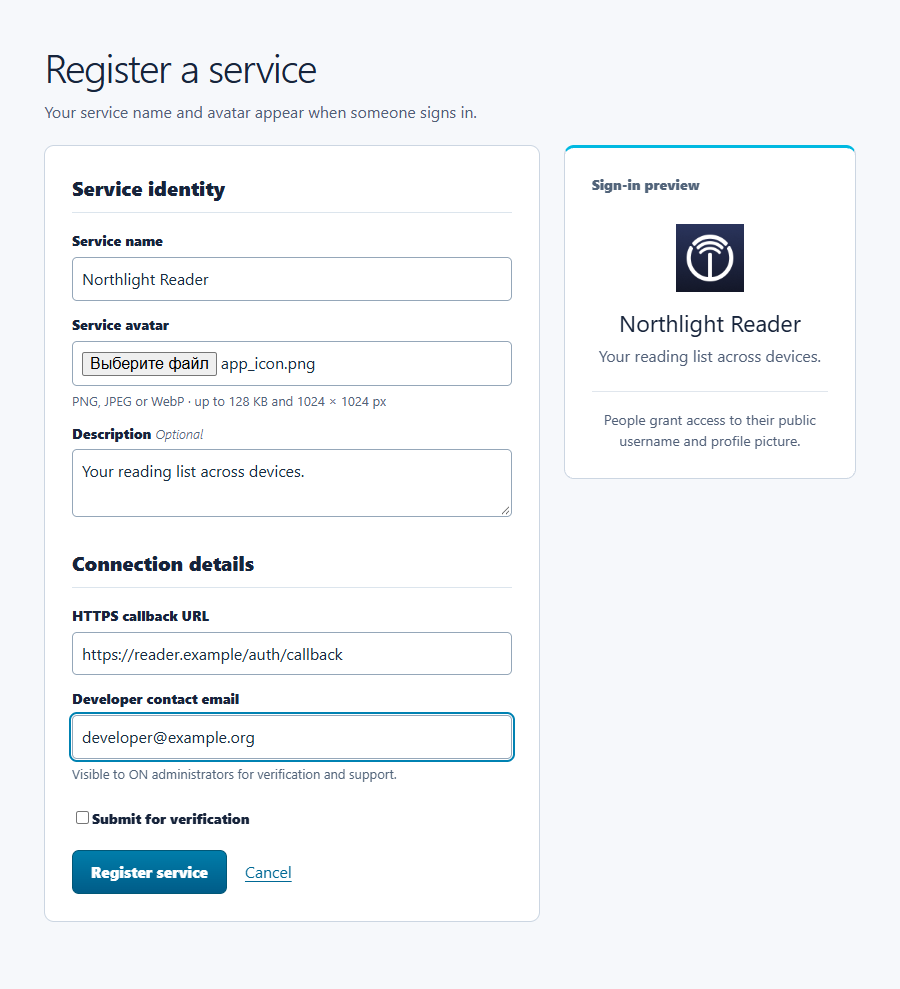
The preview shows the name and avatar your users will see. Save the assigned Client ID. Select Submit for verification to request review. An approved third-party service receives a blue check. The ON emblem identifies a service operated by Oldschool Network.
Start a sign-in request
Generate a fresh state and PKCE verifier for each request. Store them in the visitor’s server-side session with a short expiry. Redirect the browser to the ON authorization page. This PHP example assumes your session has already started.
$state = bin2hex(random_bytes(32));
$verifier = rtrim(strtr(base64_encode(random_bytes(32)), '+/', '-_'), '=');
$challenge = rtrim(strtr(base64_encode(hash('sha256', $verifier, true)), '+/', '-_'), '=');
$_SESSION['on_login'][$state] = [$verifier, time() + 600];
$query = http_build_query([
    'client_id' => $clientId, 'redirect_uri' => $callback,
    'state' => $state, 'code_challenge' => $challenge,
    'code_challenge_method' => 'S256'
]);
header('Location: https://api.oldschoolnetwork.online/v1/on-account/auth/oauth/index.php?' . $query);
exit;
Exchange the authorization code
At your callback, require a matching unexpired state from the same browser session and consume it once. If the callback has no code, leave the visitor signed out. From your backend send a JSON POST to
https://api.oldschoolnetwork.online/v1/on-account/api/ecosystem.php?action=on_auth_exchangewithclient_id,redirect_uri,codeand the originalcode_verifier. The code is single-use and expires after 90 seconds.Only on an
okresponse, associateuser.subwith your local account and rotate your session ID. The public username and avatar are for display. Keep the returned access token on the server.Respect disconnected accounts
Before using ON access, POST
client_idandaccess_tokento the same API withaction=on_auth_userinfo. A revoked or expired token requires a new sign-in. Tokens expire after 30 days. Users can disconnect you in Dashboard → Services even if your website is offline.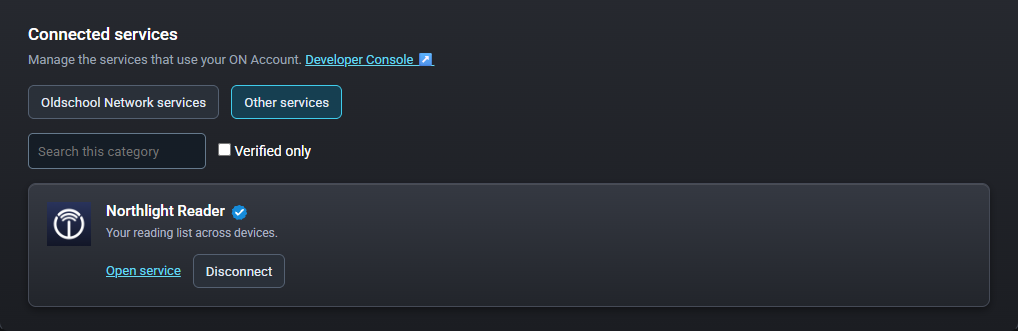
The Other services tab lists third-party connections and lets the account owner revoke access.